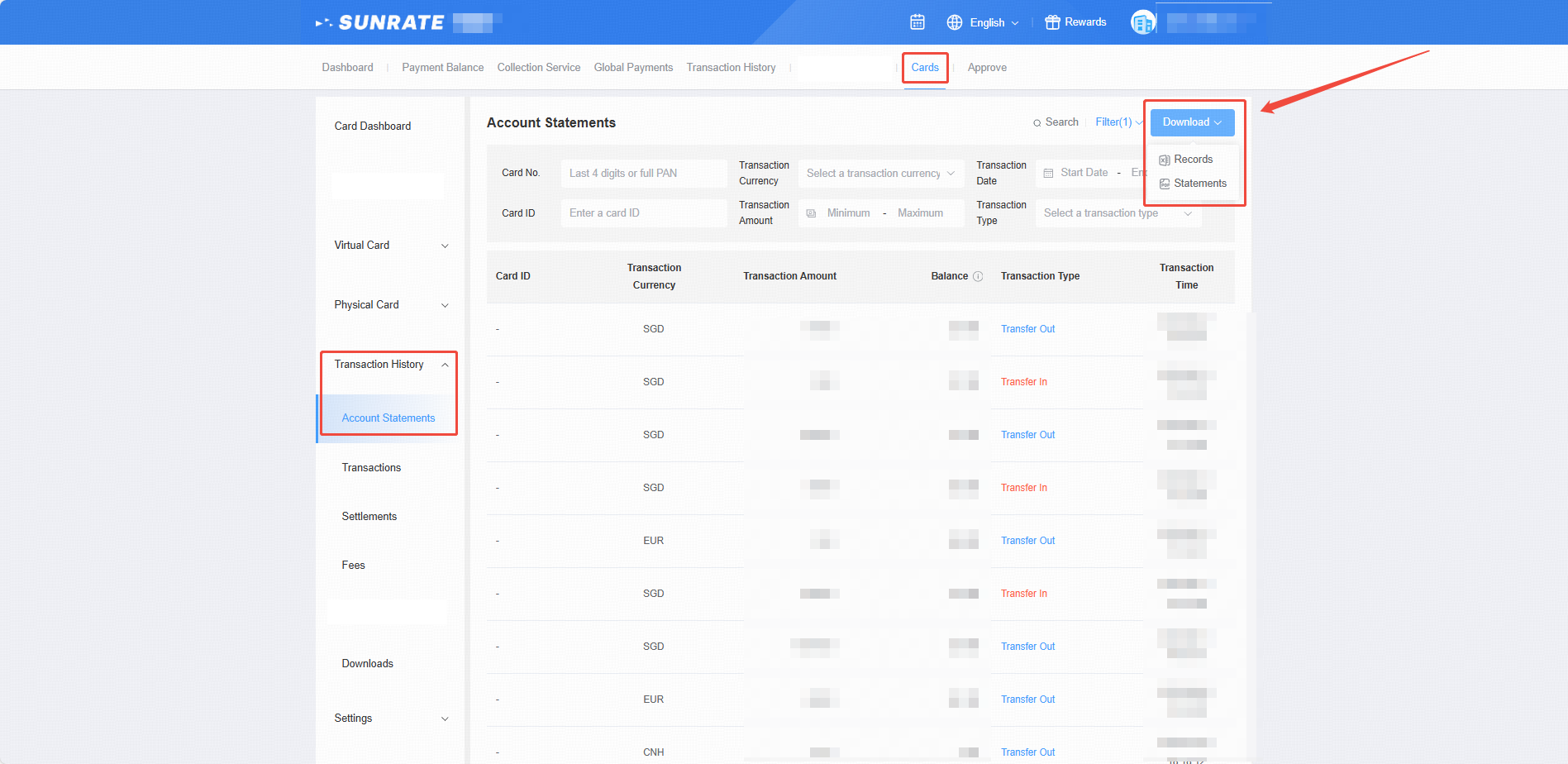
View and download account statements
Go to Cards and click Transaction History. Select Account Statements from the dropdown menu. Click the Download button at the top of the page to obtain transaction records or statements.
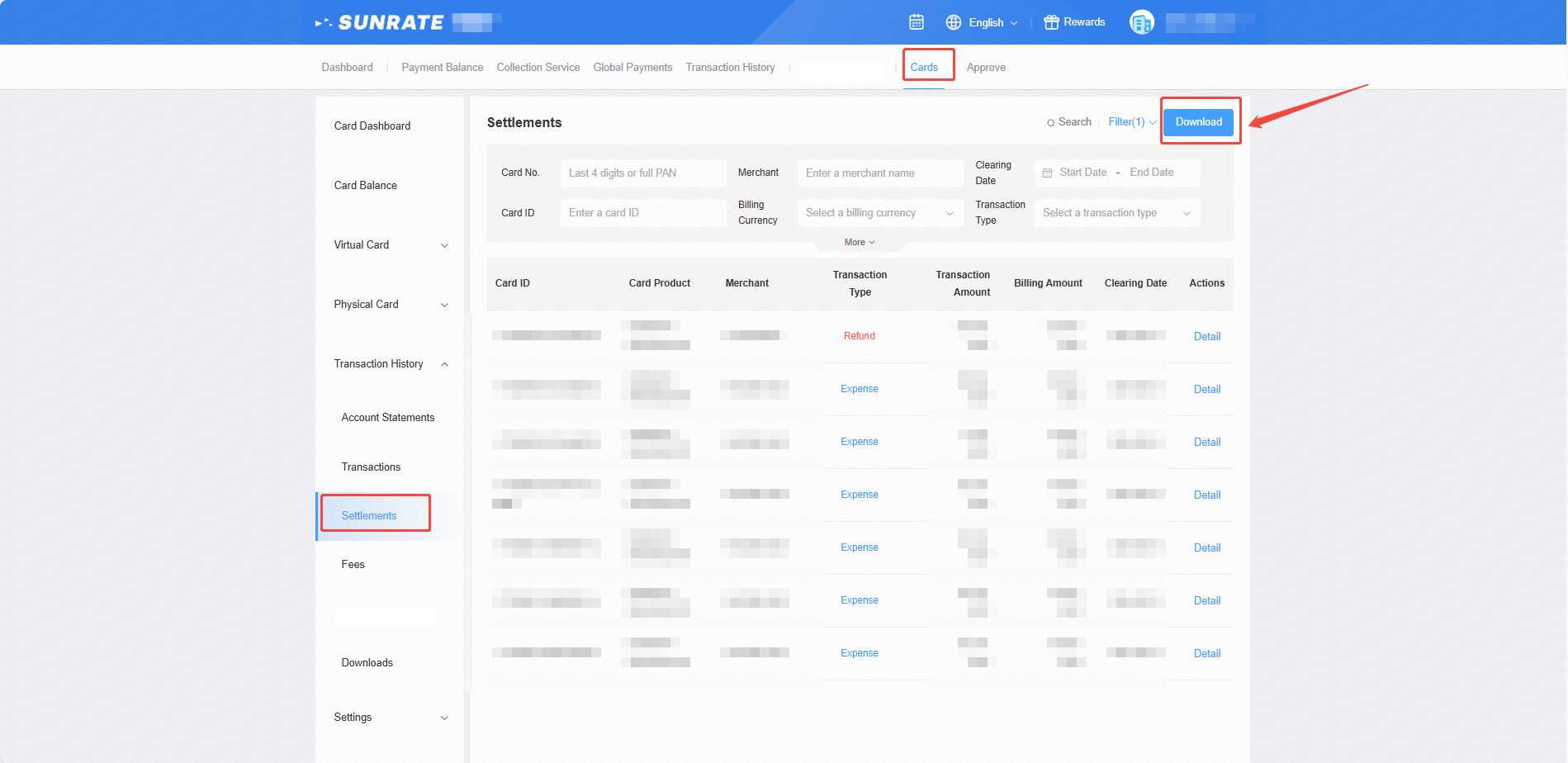
View and download transactions
Go to Cards and click Transaction History. Select Transactions from the dropdown menu. Click the Download button at the top of the page.
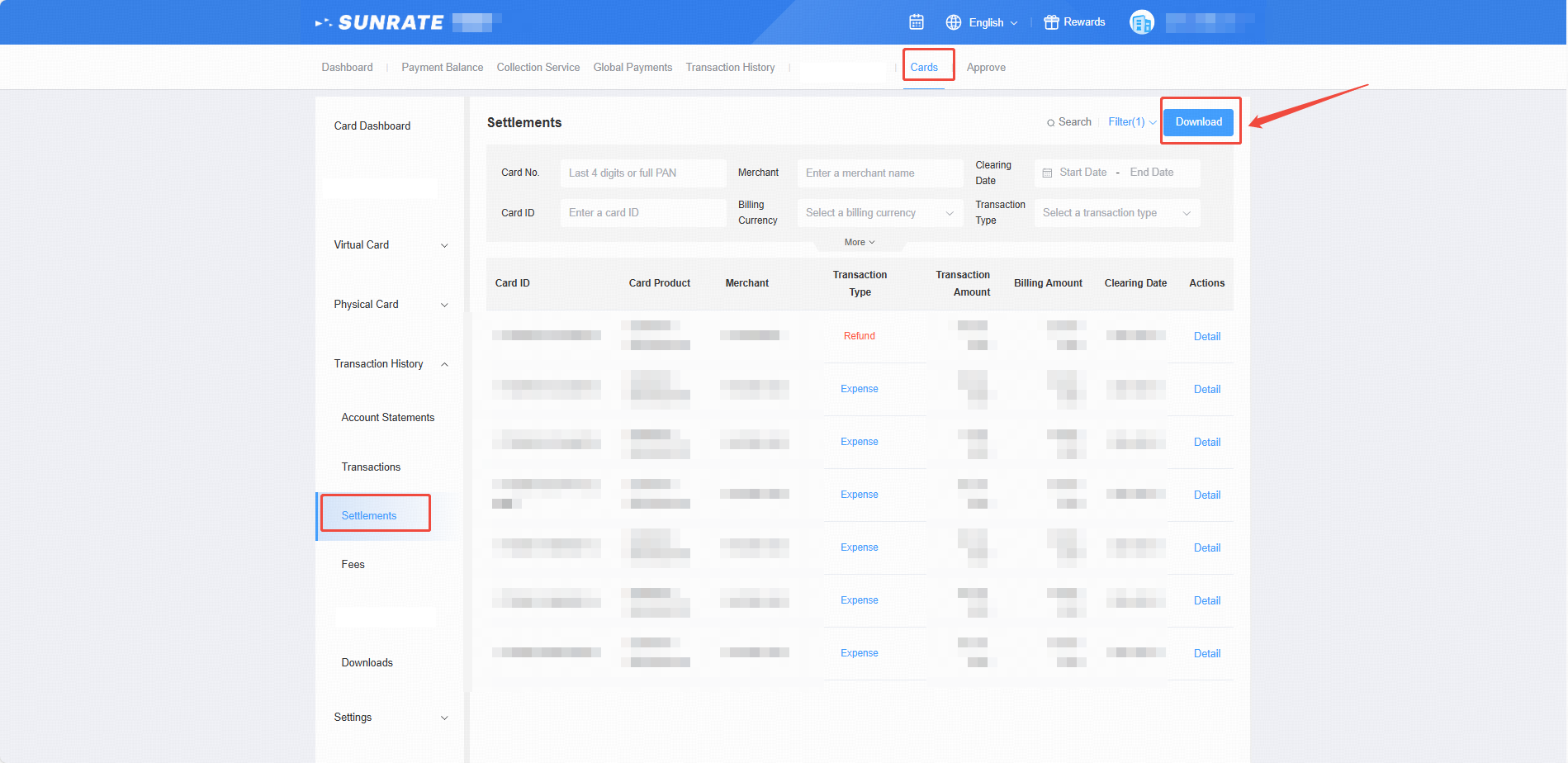
View and download settlements
Go to Cards and click Transaction History. Select Settlements from the dropdown menu. Click the Download button at the top of the page.
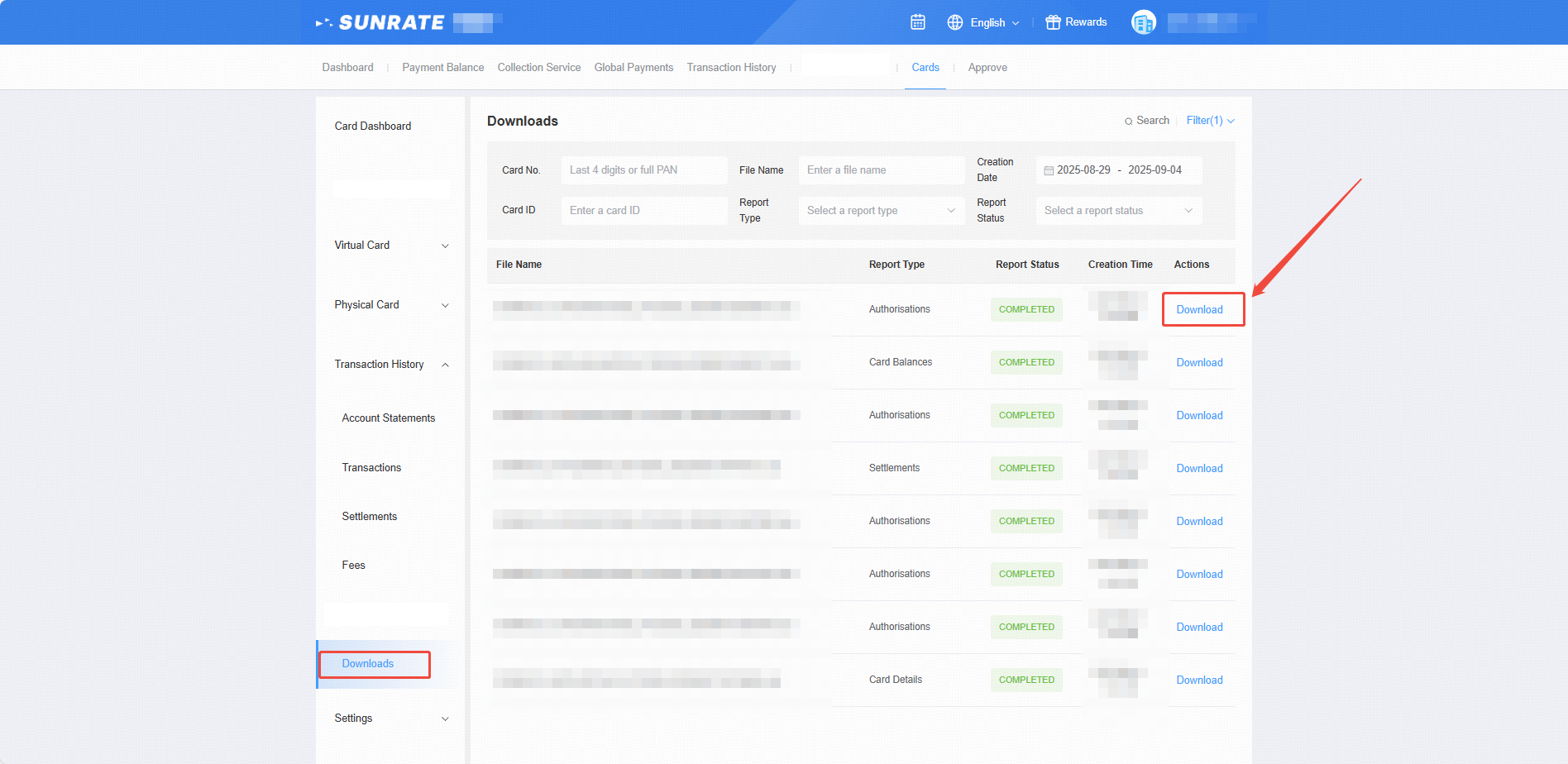
Download files to your devices
Go to Cards and click Transaction History. Select Downloads from the dropdown menu. Click the Download button.